
UI/UX Design Services
UI/UX Design Services
UI/UX design services from PS3G: research, user flows, wireframes, prototypes and design systems for web and mobile applications.
PS3G provides UI/UX design services for web applications, mobile apps and internal tools, for organizations of every size. Our designers work alongside the engineers who will build the product, so what you approve in a prototype is what ships. Whether you are a founder sketching a first version, an operations lead replacing a tangle of spreadsheets with a proper application, or a product manager inside a larger company redesigning a portal that customers complain about, the work is the same: understand the users, map the flows, test the design before code is written, and hand the build team a design system they can keep using. You can hire UI/UX designers from us on their own, or as part of a full build.
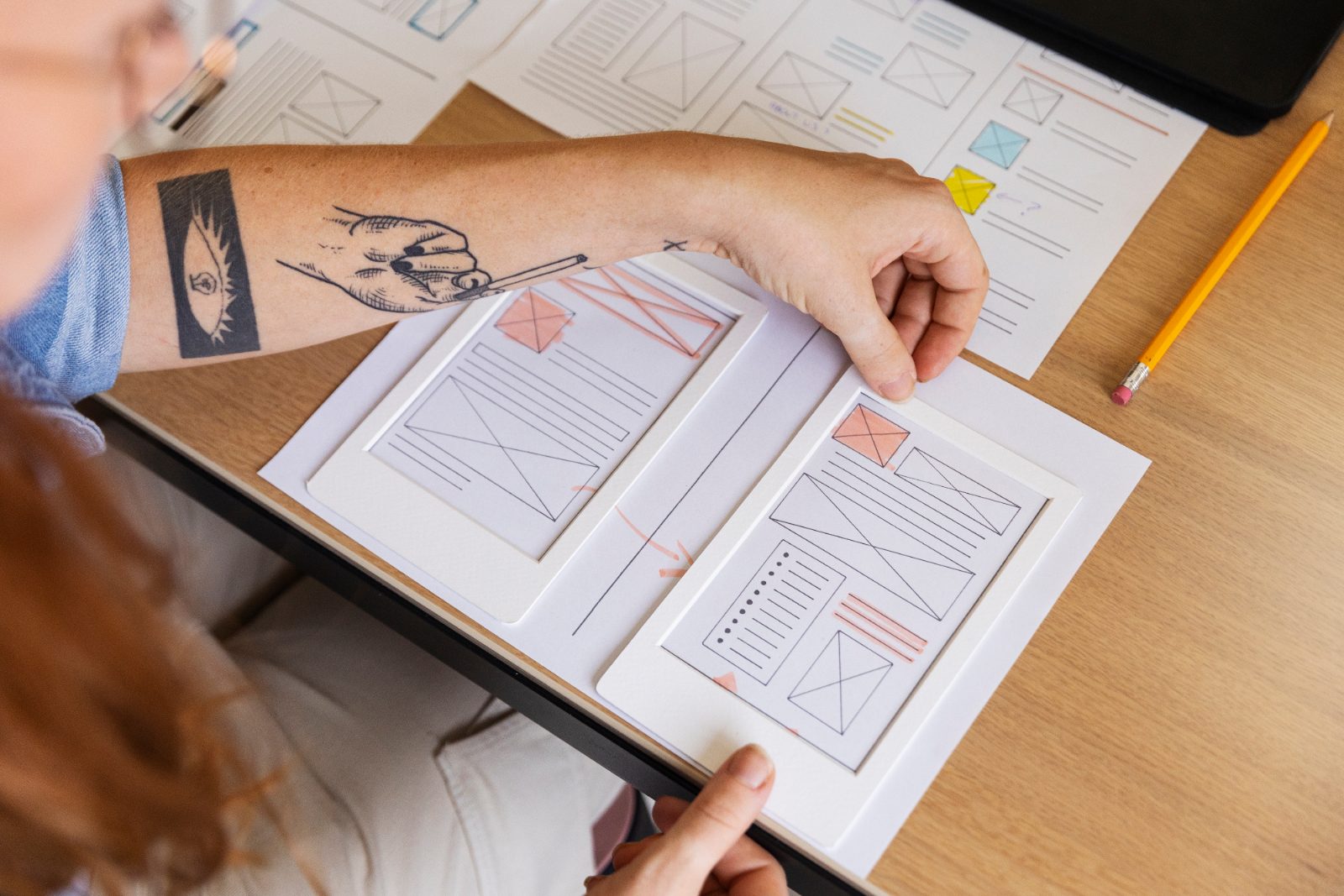
Design that engineers can build and users can use
Many design engagements end with a beautiful set of screens that the development team cannot build within budget, or a build that quietly drifts away from the design because nobody specified the edge cases. We avoid both by treating design as the first stage of engineering rather than a separate craft. Every screen we design has defined states (empty, loading, error, success, permission denied), every component has a specification a developer can implement, and every flow is tested with real users before it is handed over.
The other failure is design that looks good in a presentation but does not match how people actually work. A dispatcher who takes forty calls an hour needs keyboard shortcuts and dense tables, not generous white space. A patient booking an appointment on a phone needs the opposite. We start with research for that reason, even when the research is a week of interviews rather than a quarter of study.
What we deliver
Each engagement is scoped to the deliverables you need. A first-version product might need flows, wireframes and a lightweight visual style. A redesign of an established application usually needs research first, then a design system that the existing team can adopt gradually.
- User research. Stakeholder interviews, user interviews, task analysis, review of support tickets and analytics, and a short written summary of who the users are and what they are trying to do. For an internal tool, this often means sitting with the people who use the current system.
- User flows and information architecture. Diagrams of how each type of user moves through the product, where decisions happen, and what the navigation looks like. This is where scope arguments are cheap to settle.
- Wireframes. Low-fidelity screens that fix layout, content and hierarchy before any visual polish. Reviewed with your team and, where possible, with users.
- Clickable prototypes. Figma prototypes that behave like the product for the main paths, used for usability testing and for stakeholder sign-off.
- Visual design. Typography, color, iconography, spacing and the finished screens, applied consistently across web and mobile.
- Design systems. A component library in Figma with tokens for color, type and spacing, matched by a coded component library (React, Angular, Blazor, Flutter or SwiftUI) so designers and developers share one source of truth.
- Usability testing. Moderated sessions with a task script, recorded findings, and a prioritized list of changes. Run on prototypes before build and on the product after launch.
- Developer handoff. Annotated specifications, interaction notes, accessibility notes and asset exports, plus design review during the build.
Process and how design fits the build
As a UI/UX design company that also writes the code, we run design slightly ahead of engineering rather than entirely before it. Design finishes the flows and core components first; engineering starts on data models, authentication and infrastructure at the same time; then each feature is designed, tested and built in order. The result is a shorter overall timeline and fewer surprises when the design meets real data.
- Discover. Goals, users, constraints, existing systems, and what the product must do on day one versus later.
- Define. User flows, information architecture and a prioritized feature list agreed in writing.
- Design. Wireframes, then prototype, then visual design, with a review at each step.
- Test. Usability sessions on the prototype. Findings change the design before code is written.
- Build support. Handoff, design reviews on pull requests, and quick answers for the engineers.
- Measure. Analytics and post-launch testing to see what people actually do, feeding the next release.
Our guide to the UI/UX design process for web and mobile apps walks through each stage with examples of the artifacts produced.
Get a fixed-scope quote for research, a prototype or a full design system.
Web, mobile and internal tools: what changes
The method is the same across platforms; the details are not. We design for all three, and we build all three through our web application development and mobile app development teams.
| Product type | What matters most in the design | Typical deliverables |
|---|---|---|
| Marketing website | Clarity of message, page speed, conversion paths, content that non-technical staff can edit | Page templates, component library, handoff to our web design and WordPress teams |
| Web application or SaaS product | Dense information handled well, roles and permissions, onboarding, empty states, responsive layouts | Flows, prototype, design system, usability testing; feeds our SaaS development work |
| Mobile app | Platform conventions (iOS and Android), touch targets, offline states, notifications, store screenshots | App design services for native or cross-platform builds, including store assets |
| Internal tool or back office | Speed for expert users, keyboard use, tables and filters, audit trails, consistency with existing tools | Research with the people who use it daily, wireframes, component library |
Product design services for a SaaS company differ from a one-off internal tool mostly in how much of the design system is worth building up front. For a product you will sell, the system pays for itself quickly. For a tool used by a dozen people, a smaller set of components and more attention to their daily tasks is the better spend.
Accessibility and performance by design
Accessibility is cheaper to design in than to retrofit. We design to WCAG 2.1 AA as the default: color contrast checked at the token level, focus states and keyboard navigation specified for every interactive component, form labels and error messages written to be read aloud, and touch targets sized for real fingers. For public-sector, education and healthcare clients this is often a contractual requirement; for everyone else it is simply a larger audience.
Performance is a design decision too. Image weight, the number of fonts, animation, and how much appears above the fold all affect Core Web Vitals and how the product feels on a mid-range phone. We set performance budgets during visual design and check them during the build, so the design does not win a review and then lose on page speed.
Engagement models
- Fixed-scope project. A defined set of deliverables, such as research plus a tested prototype for one product, or a design system for an existing application, at a fixed-scope quote.
- Dedicated team or staff augmentation. Hire UI/UX designers who work inside your product team on a monthly basis, scaling up or down as releases demand.
- Managed services. Ongoing design support for a product we built or maintain, under defined SLAs, covering new features, design system updates and periodic usability testing.
- Advisory. A design review of an existing product, with a prioritized list of usability and accessibility fixes your own team can act on.
How we start: a first conversation, a short assessment, and a written proposal.
Why PS3G for UI/UX design services
- We design and build our own products, including our HIPAA-compliant EHR and telehealth platform, DocVilla, used daily by clinicians and front-desk staff, and our kids’ learning app, with 5-star ratings on the App Store and Google Play. Designing for a toddler and for a physician in the same company is a useful discipline.
- Designers and engineers in one team, so handoff is a conversation rather than a document thrown over a wall.
- Over a decade of software development and IT services, with a US headquarters in Wilmington, Delaware and a delivery center in India.
- A testing center of excellence that checks the built product against the approved design, including accessibility.
Related services
- Web design: marketing sites and landing pages built on the same design foundations.
- Web application development: the engineering team that builds what we design.
- Mobile app development: native and cross-platform apps for iOS and Android.
- SaaS development: multi-tenant products where a design system matters most.
- All PS3G services: consulting, development, testing, cloud, data and AI.
Guides on this topic
Frequently asked questions
What is the difference between UI design services and UX design services?
UX design services cover how the product works: who the users are, what they need to do, the flows, the structure and whether people can complete their tasks. UI design services cover how it looks and responds: layout, typography, color, components and interaction details. Most products need both, and we deliver them together, with the UX work setting the structure before the UI work adds the finish.
Can we hire UI/UX designers without a development project?
Yes. Many clients bring their own engineers and need design only. We can run research and a prototype as a fixed-scope project, or place a designer inside your team on a monthly basis. The handoff package is written for any competent development team, not just ours, and we are happy to join your sprint reviews while the design is being built.
What tools do you use for design?
Figma for flows, wireframes, prototypes, visual design and design systems, because it is where most client teams already are and it supports shared libraries and developer inspection. We use FigJam or similar for workshops and journey maps, and standard analytics and session-recording tools for post-launch measurement. If your team is standardized on another tool, we can usually work in it.
How do you handle a redesign of an application people already use?
Carefully. We start with research on the current product: what people do most, what they complain about, and which habits must survive. The redesign then moves in stages, usually by introducing a design system and migrating screens in priority order, so users are not confronted with everything changing at once. Usability testing on the prototype catches the changes that would break a workflow.
Do you build the design system in code as well as in Figma?
Yes, where the project includes a build. The Figma library defines tokens and components; the coded library in React, Angular, Blazor, Flutter or the native toolkit implements them. Keeping both in step is part of ongoing design support. If you only need the Figma system, we document it so your engineers can implement it themselves.
How is a UI/UX design agency engagement priced?
By scope, not by the hour. After a first conversation and a short assessment we send a written proposal listing the deliverables, the review points and what is excluded, with a fixed-scope quote. Ongoing design support is priced monthly. We do not publish rates, because the same deliverable can take very different effort depending on the product, the number of user types and the state of the existing design.
Talk to us about your project
Tell us what you are trying to do. We will reply with questions, not a sales pitch, and set up a short video meeting if it helps.


